Cookie scanner
See what your site really sets.
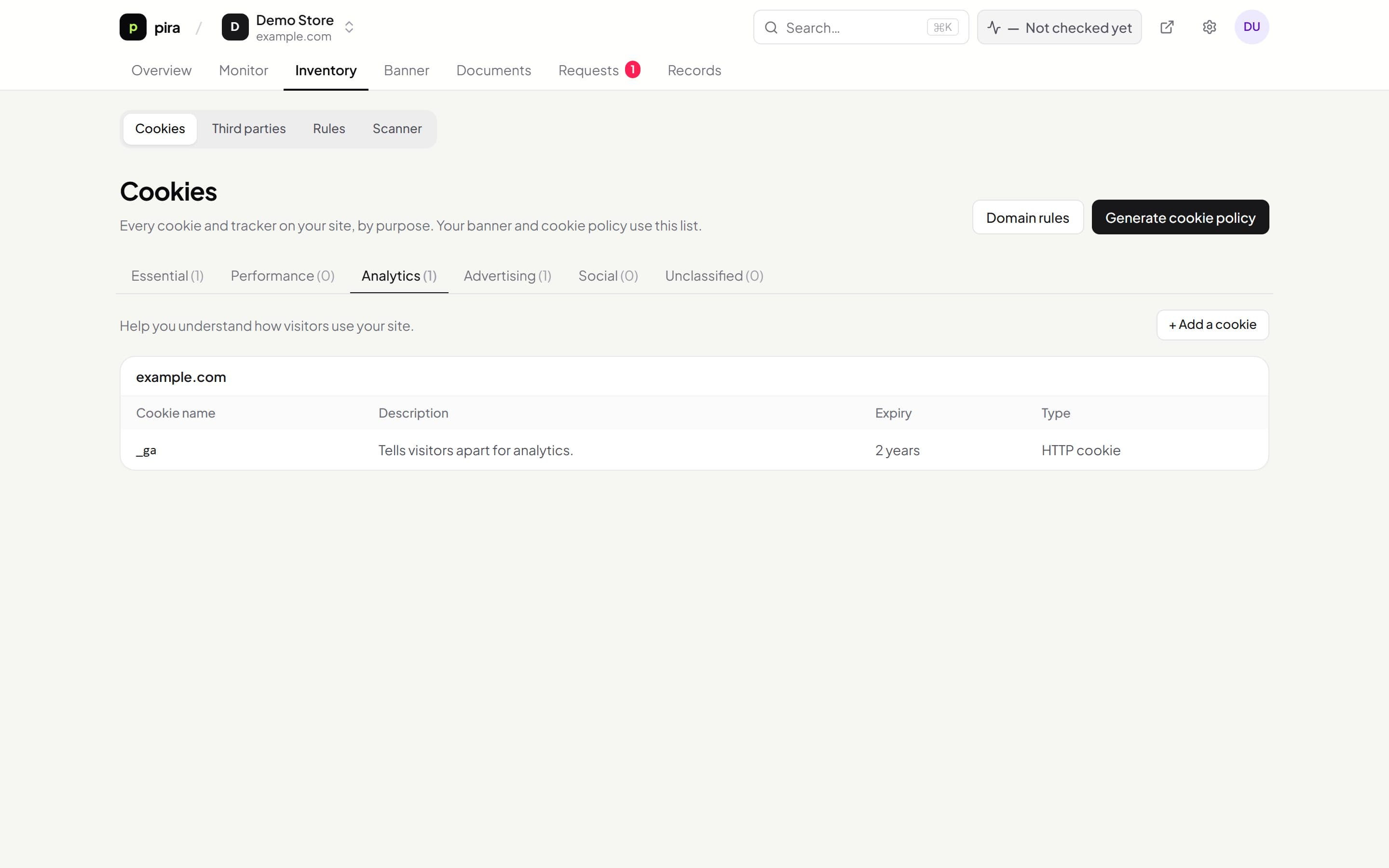
Kiescy opens your pages in a real browser, records every cookie, storage item and third-party request, then sorts them into categories for your banner and cookie policy.
- Real-browser scanning
- Automatic categories
- Full detail per cookie
- Crawl control
What you get
Everything below is included, and works with the rest of Kiescy out of the box.
Real-browser scanning
Pages run in headless Chrome, so cookies set by JavaScript and third-party scripts, plus local and session storage, are caught. Without Chrome on the server, Kiescy reads the HTML and response headers instead.
Automatic categories
Cookies from common services are classified for you. Anything unknown is marked unclassified for you to review, and domain rules override any category, per site or account-wide.
Full detail per cookie
Expiry, type, the page it was first found on, the resource that set it and an example value. Provider and purpose are filled in for known services; you add them for the rest.
Crawl control
Breadth-first or depth-first, depth and page limits, sitemap discovery and extra subdomains.
Scheduled rescans
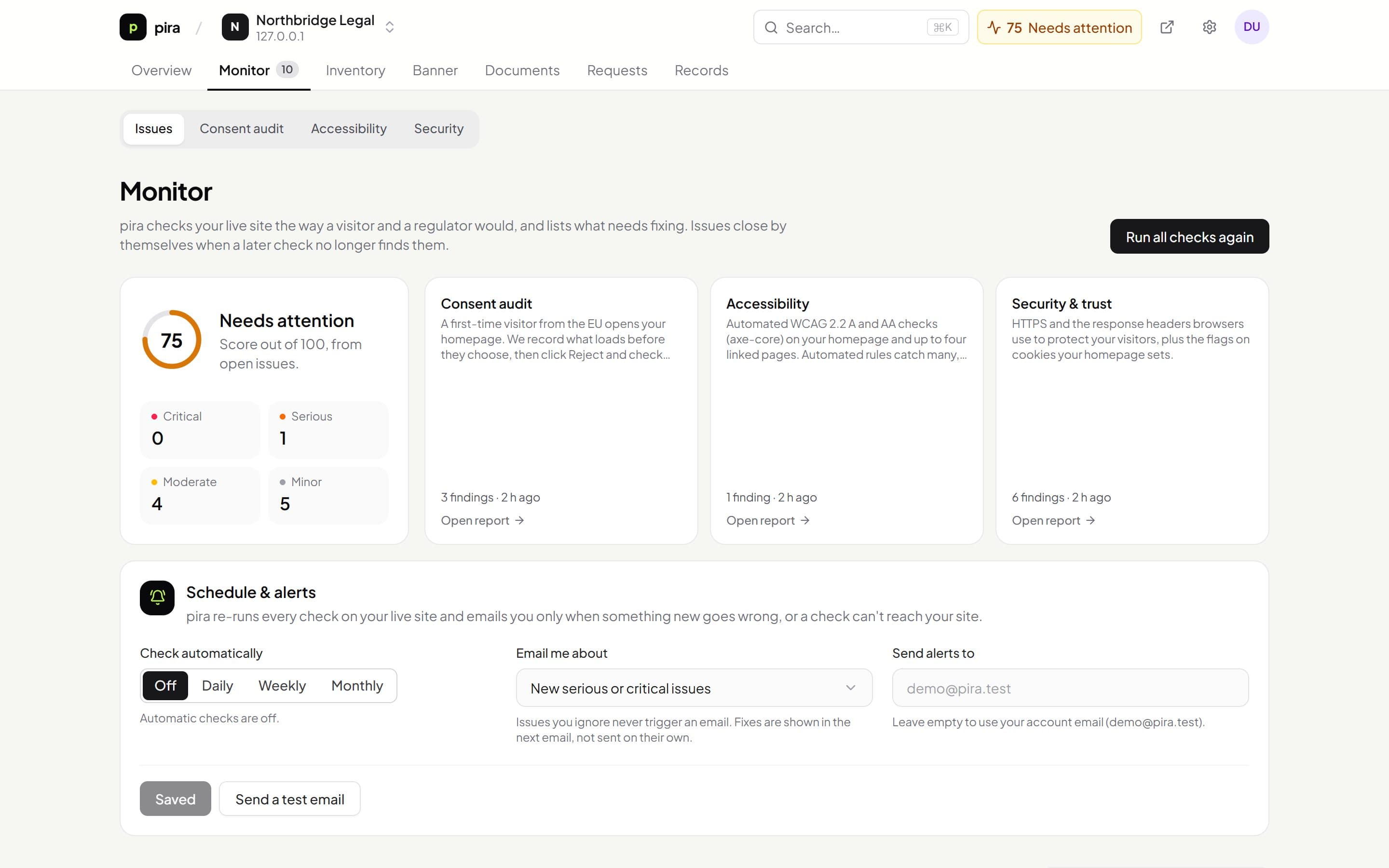
Rescan every week, month or three months to catch new trackers. Each run is kept with its pages, cookies found and engine.
Keeps the rest in sync
Banner preferences and blocking use the latest results, and a published cookie policy updates itself after each scan.
Under the hood
How a scan works
A scan sees what a first-time visitor sees, before they choose anything. Cookies that only appear after someone accepts, logs in or checks out need to be added by hand or with a domain rule.
- 1
Start from your address
Kiescy opens your homepage, plus any extra subdomains and the pages in your sitemap.xml if you turned those on.
- 2
Load each page like a visitor
Headless Chrome loads the page, runs its scripts and waits for network activity to settle. Every cookie, local and session storage item and third-party request is recorded.
- 3
Follow your links
Links to the same site are queued breadth-first or depth-first, up to your crawl depth and page limit.
- 4
Sort what was found
Each cookie and request domain is matched against known services and your domain rules. Anything unrecognised is marked unclassified.
- 5
Update the rest
The cookie report and blocking rules refresh, and a published cookie policy is re-rendered with the new list.
Set up
Running in 3 steps.
- 01
Start a scan
- 02
Review and classify
- 03
Publish your cookie policy
Questions
Do I need to install anything to scan?
No. Scanning works from your website address. Installing the banner is only needed to collect consent.
What about cookies only set after someone clicks Accept?
Those depend on the visitor's choice. Add them by hand or with domain rules, so your policy lists them too.
Works together with
See everything Kiescy does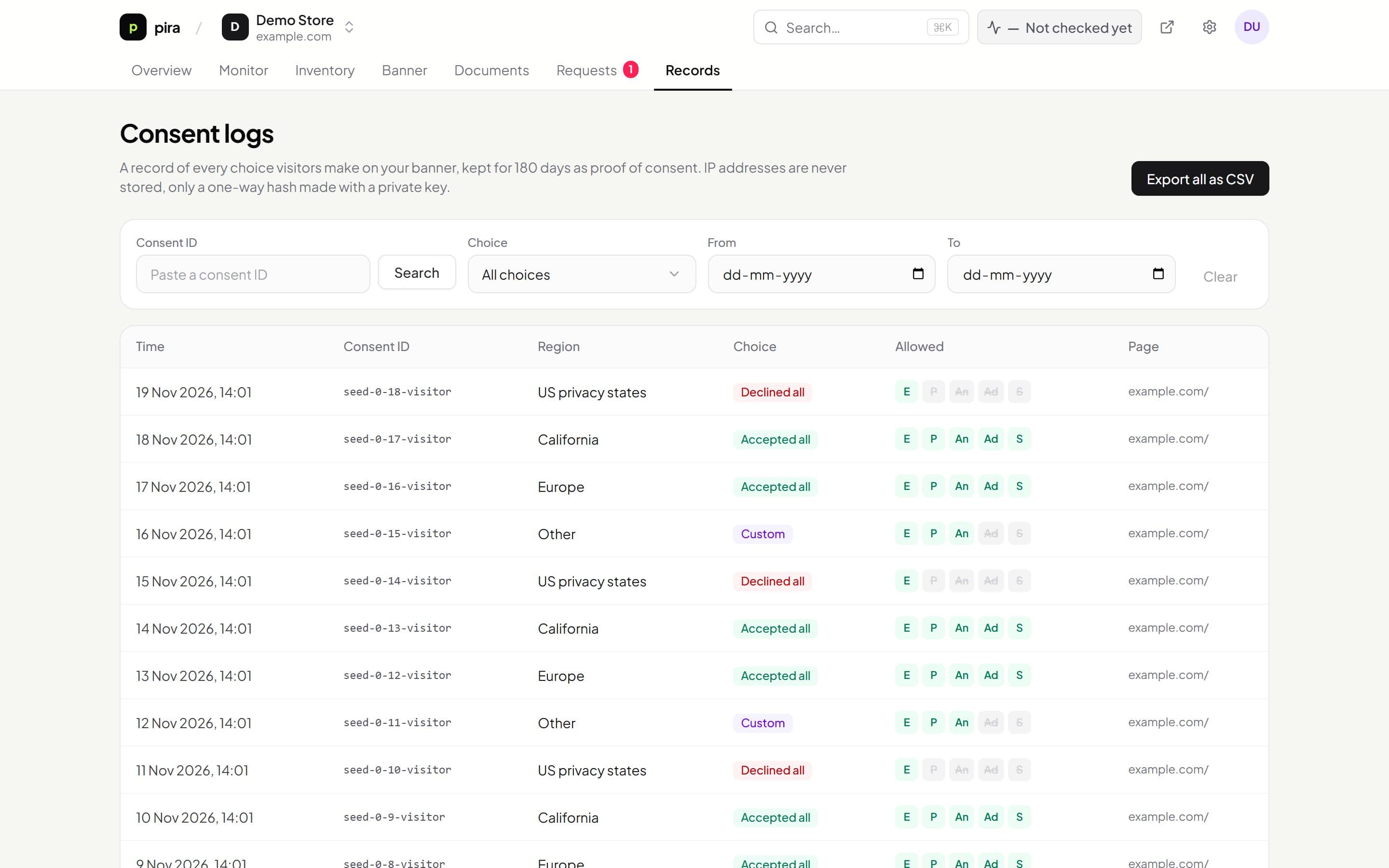
Get compliant this afternoon, not this quarter.
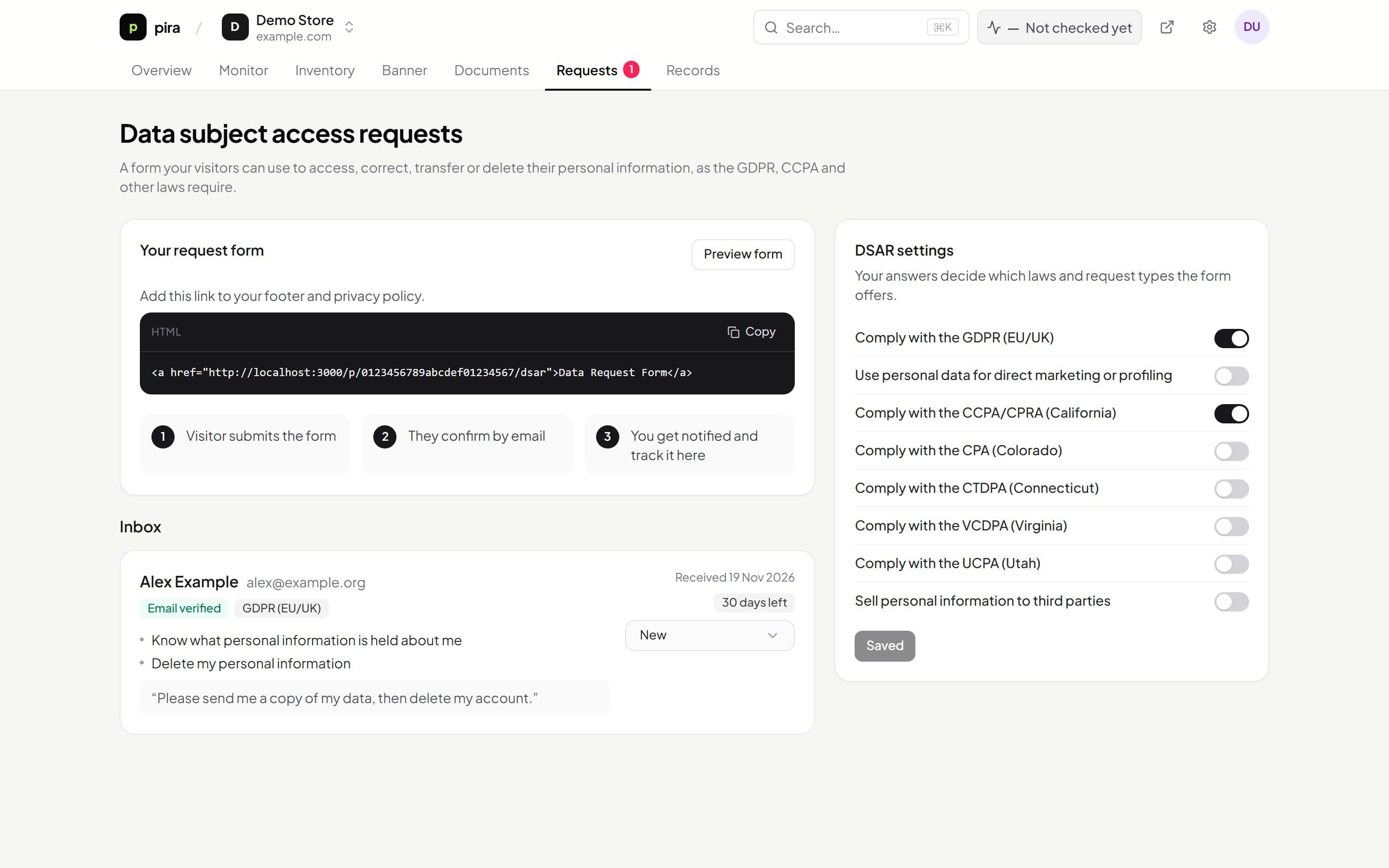
Set up your policies, banner and request form in one place. Free while Kiescy is in early access.