Monitoring
Know your banner really works.
Most cookie banners look compliant and still let trackers run. Kiescy opens your site in a real browser as a visitor from the EU, records what loads before they choose and after they click Reject, and tells you exactly what to fix.
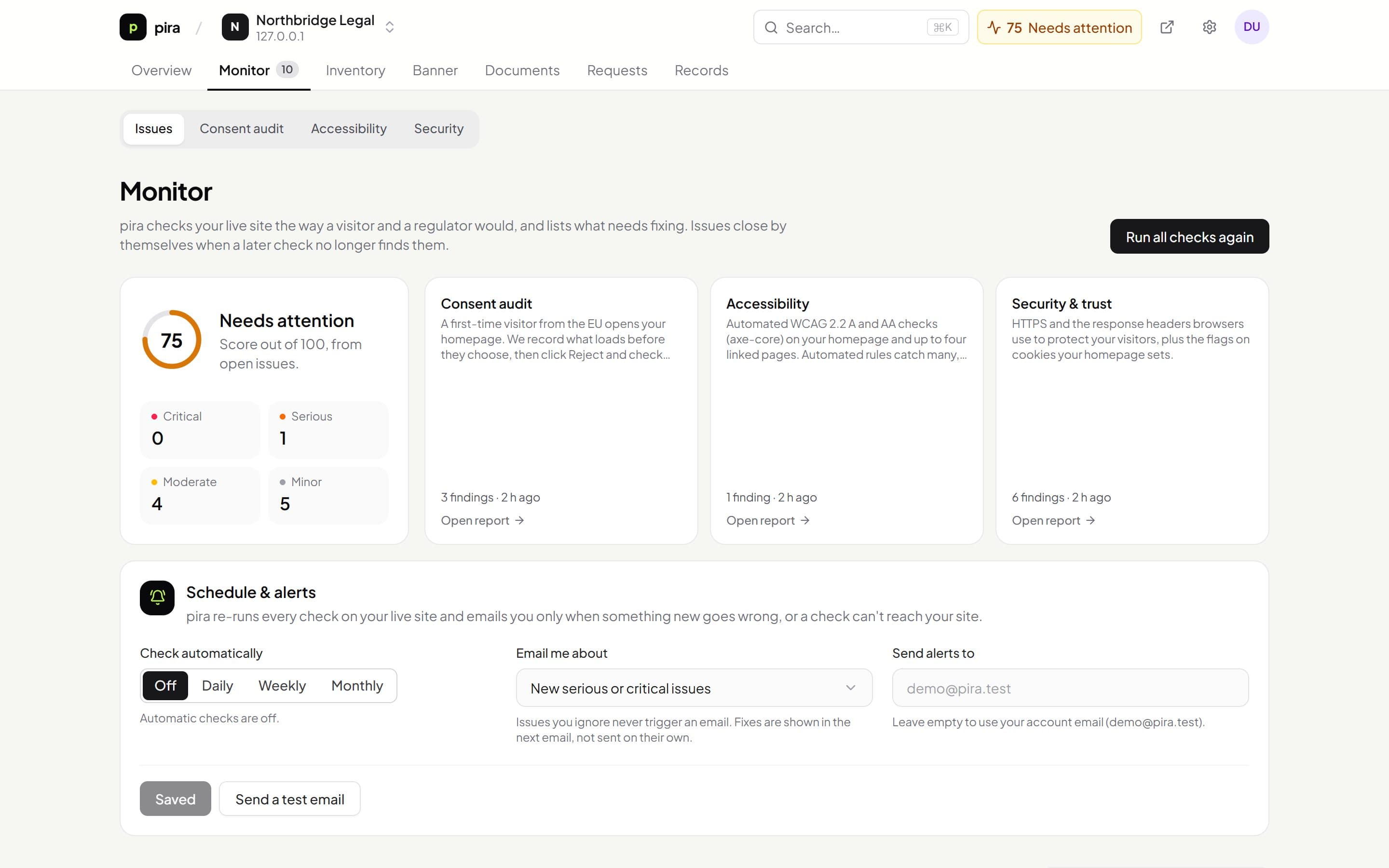
- Consent audit
- Accessibility check
- Security & trust
- Issues, not reports
What you get
Everything below is included, and works with the rest of Kiescy out of the box.
Consent audit
Every third-party request and cookie before any choice, then again after Reject, with anything that needs consent named and explained.
Accessibility check
WCAG 2.2 A and AA rules from the open-source axe-core engine, on your homepage and up to four linked pages. Automated checks find many problems, not all.
Security & trust
HTTPS, security headers and cookie flags, in plain language with the fix for each.
Issues, not reports
Each finding becomes an issue with a fix. It closes itself when a later check no longer finds it, reopens if it comes back, and stays quiet if you ignore it.
Health score
One number from 0 to 100 for each site, always visible in your dashboard.
Scheduled checks and alerts
Daily, weekly or monthly. One email per run, only when something new goes wrong or a check can't reach your site.
Under the hood
How a consent audit works
Results describe what an automated visit saw on the date of the check. They're evidence to act on, not legal advice or a guarantee of compliance.
- 1
A first-time visitor from the EU
Headless Chrome opens your homepage with a German time zone and a fresh profile, so it sees what a new visitor under the strictest rules would see.
- 2
Before any choice
Every request to another company's server and every cookie is recorded and classified with your rules, your vendor list and the Open Cookie Database.
- 3
Click Reject
If your banner has a Reject button, we click it and load the page again, then record anything that still runs.
- 4
Turn it into fixes
Anything that needs consent becomes an issue that names the domain or cookie and says how to stop it.
Set up
Running in 3 steps.
- 01
Add your website
- 02
Run the checks
- 03
Fix what's flagged and turn on alerts
Questions
Helps with
Does this work with any consent banner?
The before-consent results work for any site. The Reject step uses the Kiescy banner; with another banner, you'll see the before-consent results only.
Why does it flag a script my banner blocks?
Banners stop scripts from running, but browsers can download scripts written in your HTML before any code runs, which already sends the visitor's IP address. Tag those scripts with data-pira-category so they're not downloaded until consent.
Works together with
See everything Kiescy does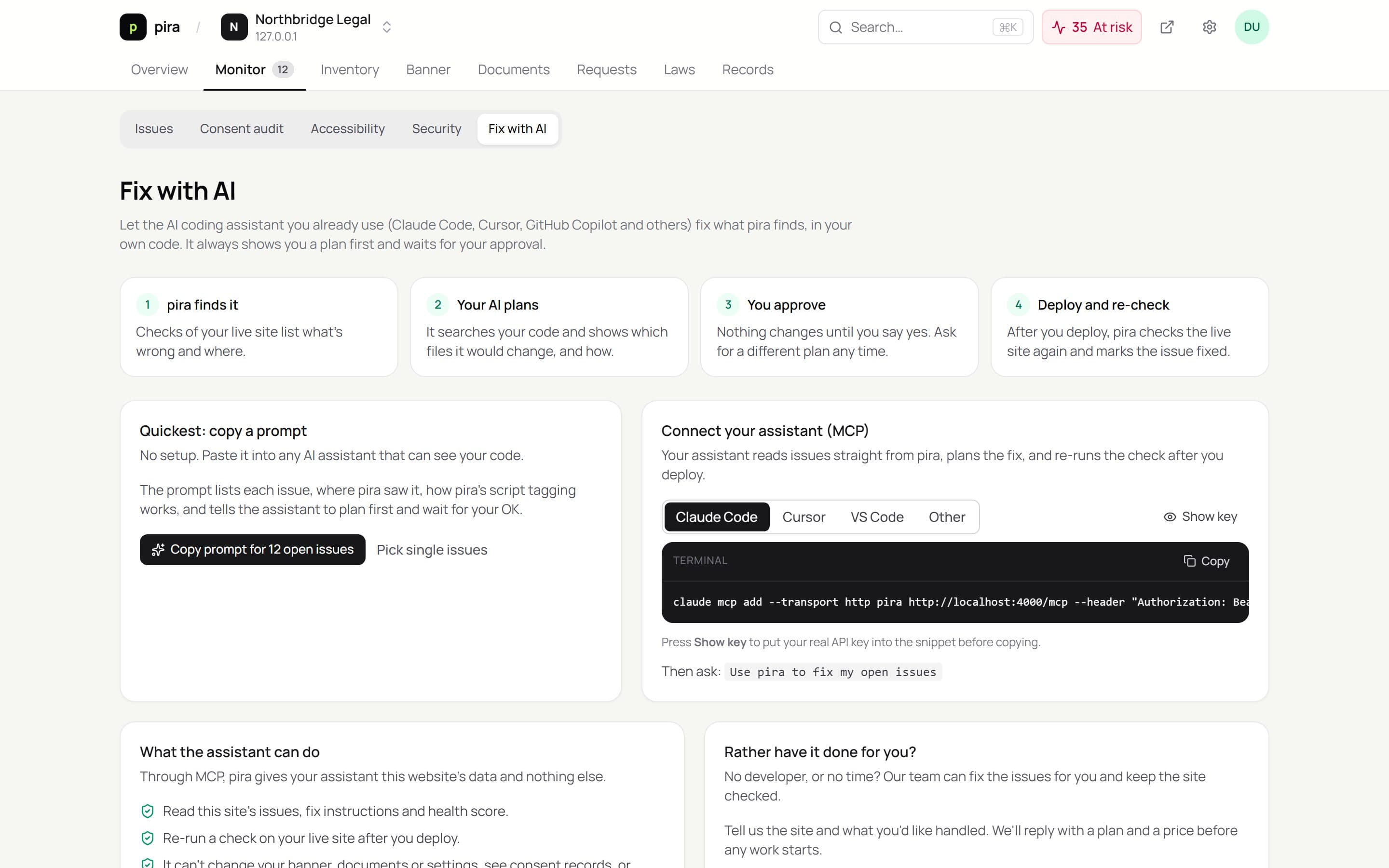
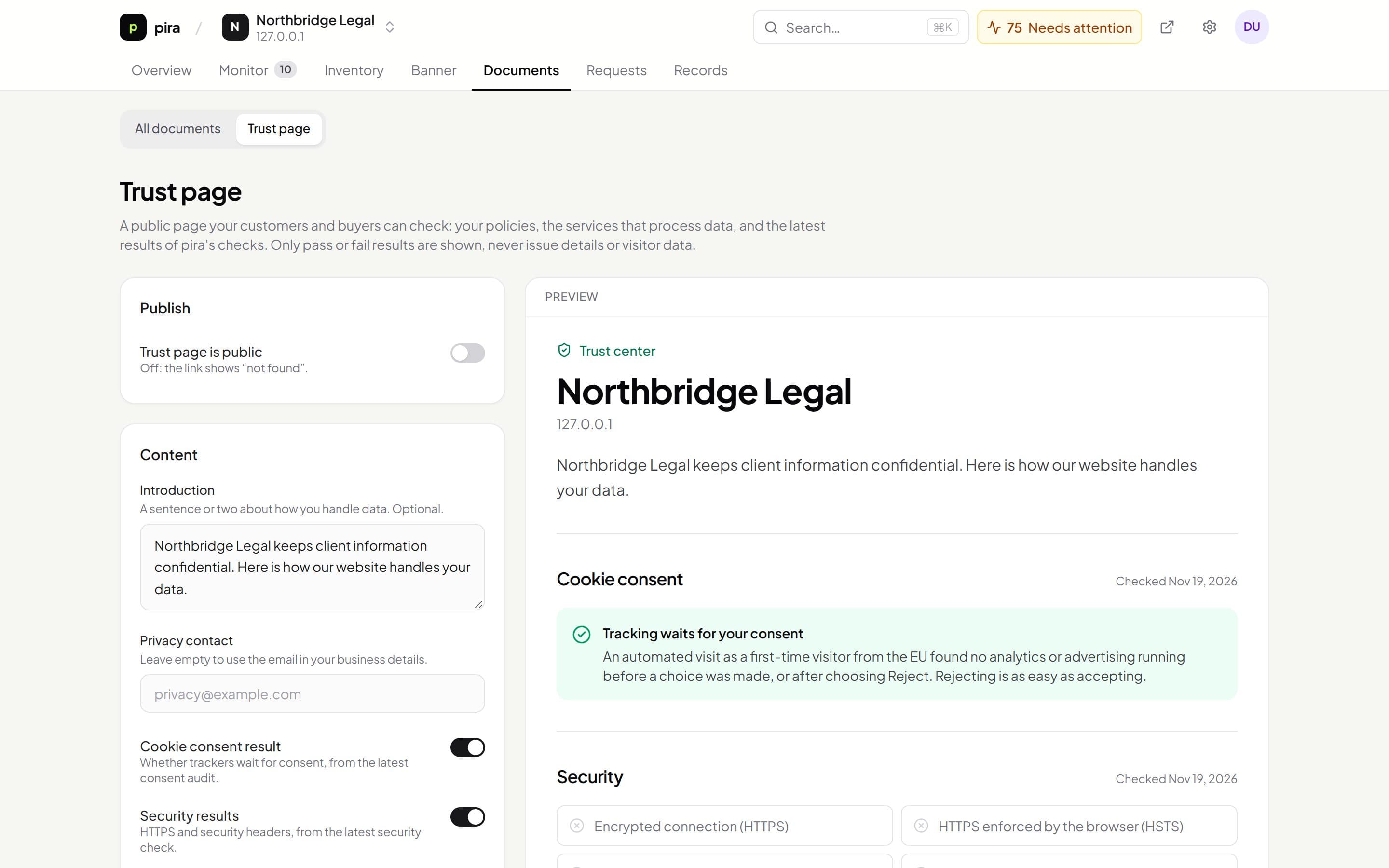
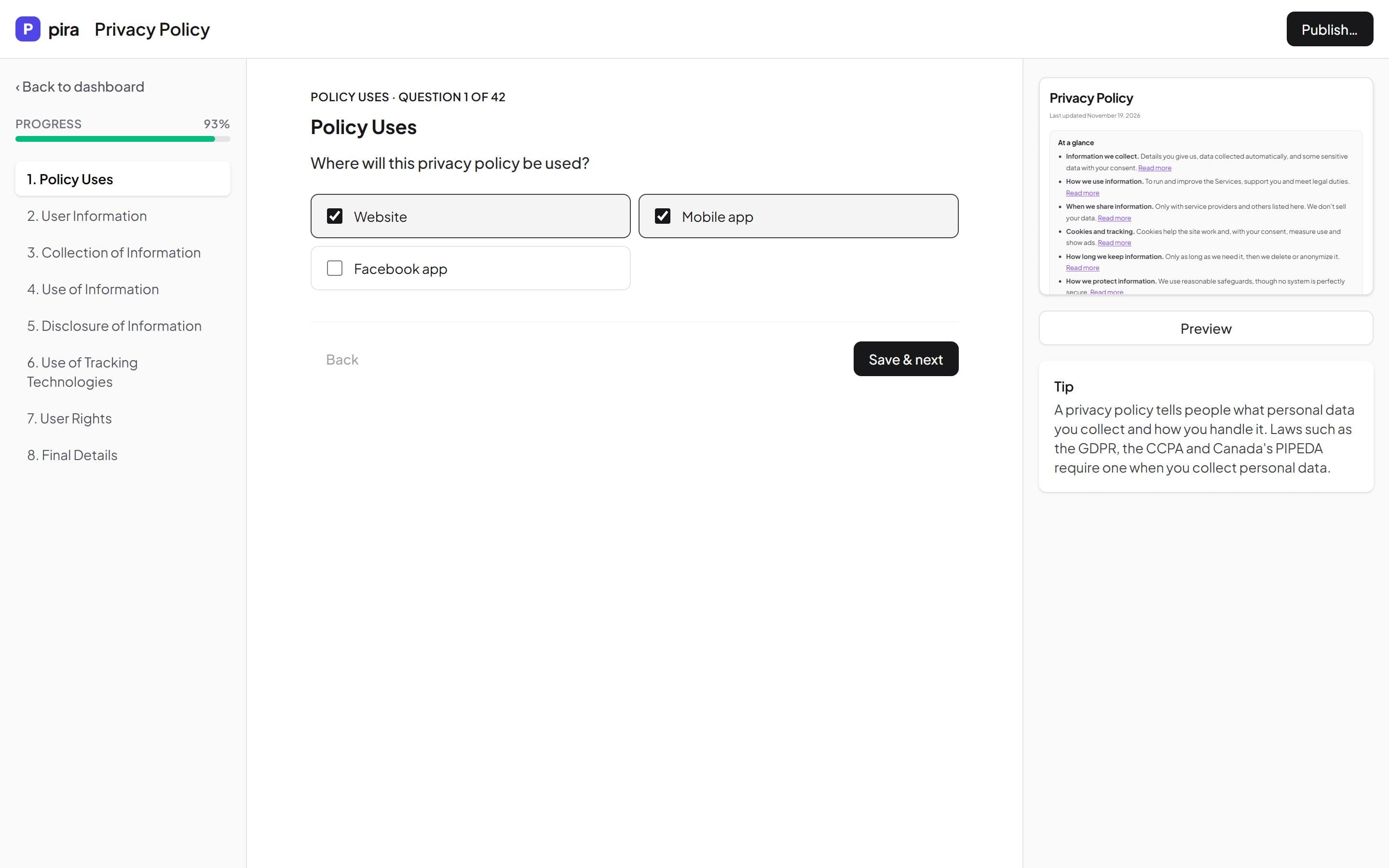
Get compliant this afternoon, not this quarter.
Set up your policies, banner and request form in one place. Free while Kiescy is in early access.