Fix with AI
From finding to fix, in your own code.
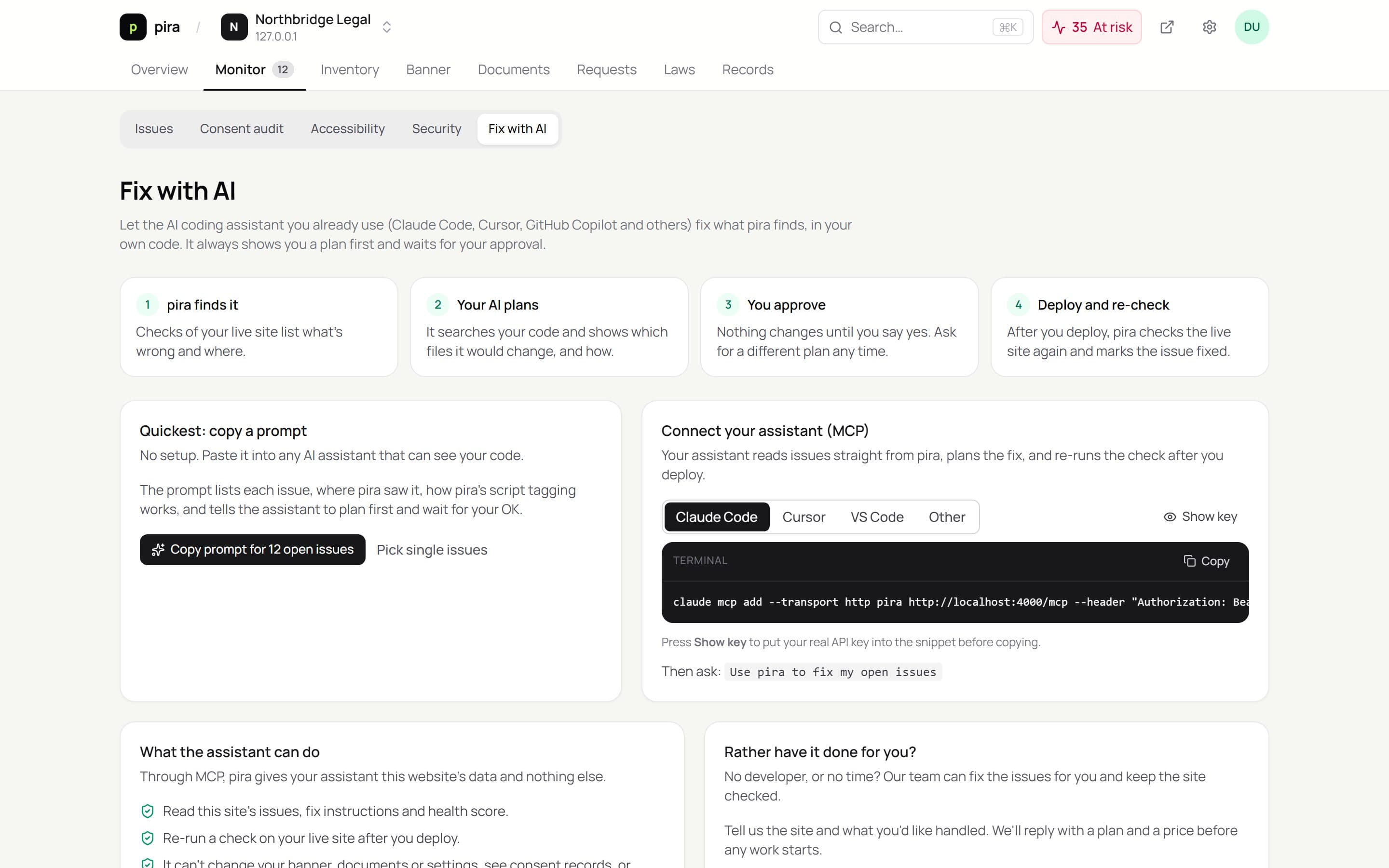
Kiescy tells your AI coding assistant exactly what's wrong on your live site and how Kiescy's tagging works. Your assistant plans the change in your codebase, waits for your approval, and Kiescy re-checks the live site after you deploy.
- Works with the assistant you use
- A prompt, no setup
- Or connect over MCP
- You approve every change
What you get
Everything below is included, and works with the rest of Kiescy out of the box.
Works with the assistant you use
Claude Code, Cursor, VS Code with GitHub Copilot, and any other tool that supports the Model Context Protocol (MCP).
A prompt, no setup
Copy one prompt for a single issue or every open issue, and paste it into any AI assistant that can see your code.
Or connect over MCP
Your assistant reads issues straight from Kiescy, gets fix instructions for your site, and re-runs the check once you've deployed.
You approve every change
The assistant is told to search your code, show you a plan and wait for your OK before touching a file.
Limited by design
Through MCP the assistant sees one website's issues and can start a check. It can't change your banner, documents or settings, or read consent records.
Proof it's fixed
Issues close themselves when the next check of your live site no longer finds them.
See it run
Connect once. Fix forever.
Add Kiescy to your assistant with your site's key from Settings. Then just ask it to fix your Kiescy issues.
claude mcp add --transport http kiescy \
  https://api.kiescy.com/mcp \
  --header "Authorization: Bearer <site key>"
The assistant only sees this website's issues and can start a check. It can't change your banner, policies or settings.
Set up
Running in 3 steps.
- 01
Run Kiescy's checks
- 02
Copy the prompt or connect your assistant
- 03
Approve the plan, deploy, and let Kiescy re-check
Questions
Does Kiescy change my code?
No. Your own assistant does, in your editor, after you approve its plan. Kiescy only provides the findings and instructions.
What if I don't have a developer?
Ask us. We can fix the issues for you and keep the site checked; you'll get a plan and a price before any work starts.
Is my API key safe in the config?
Keep it in your editor's user settings or a git-ignored file. If it leaks, create a new key in Settings and the old one stops working.
Works together with
See everything Kiescy does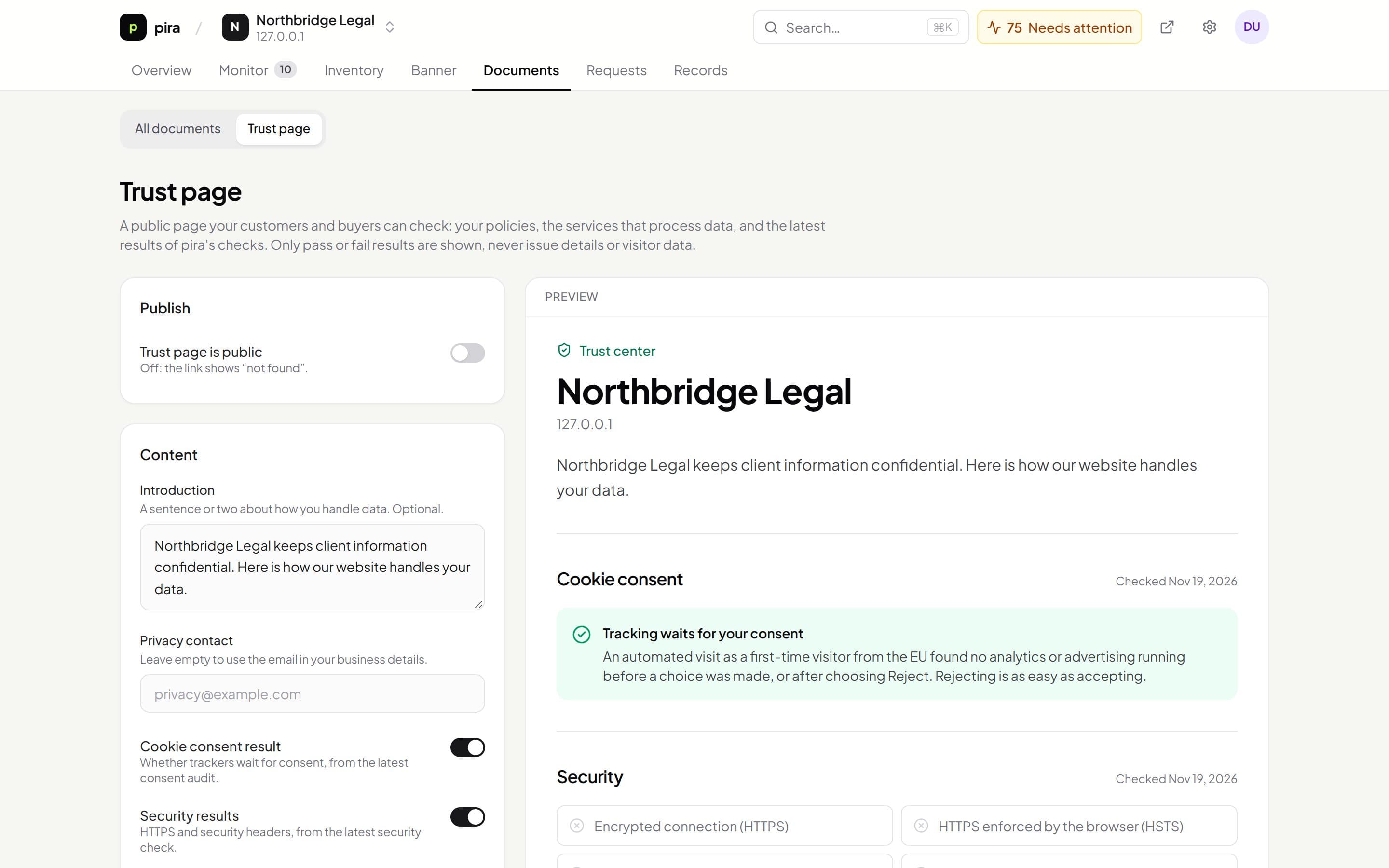
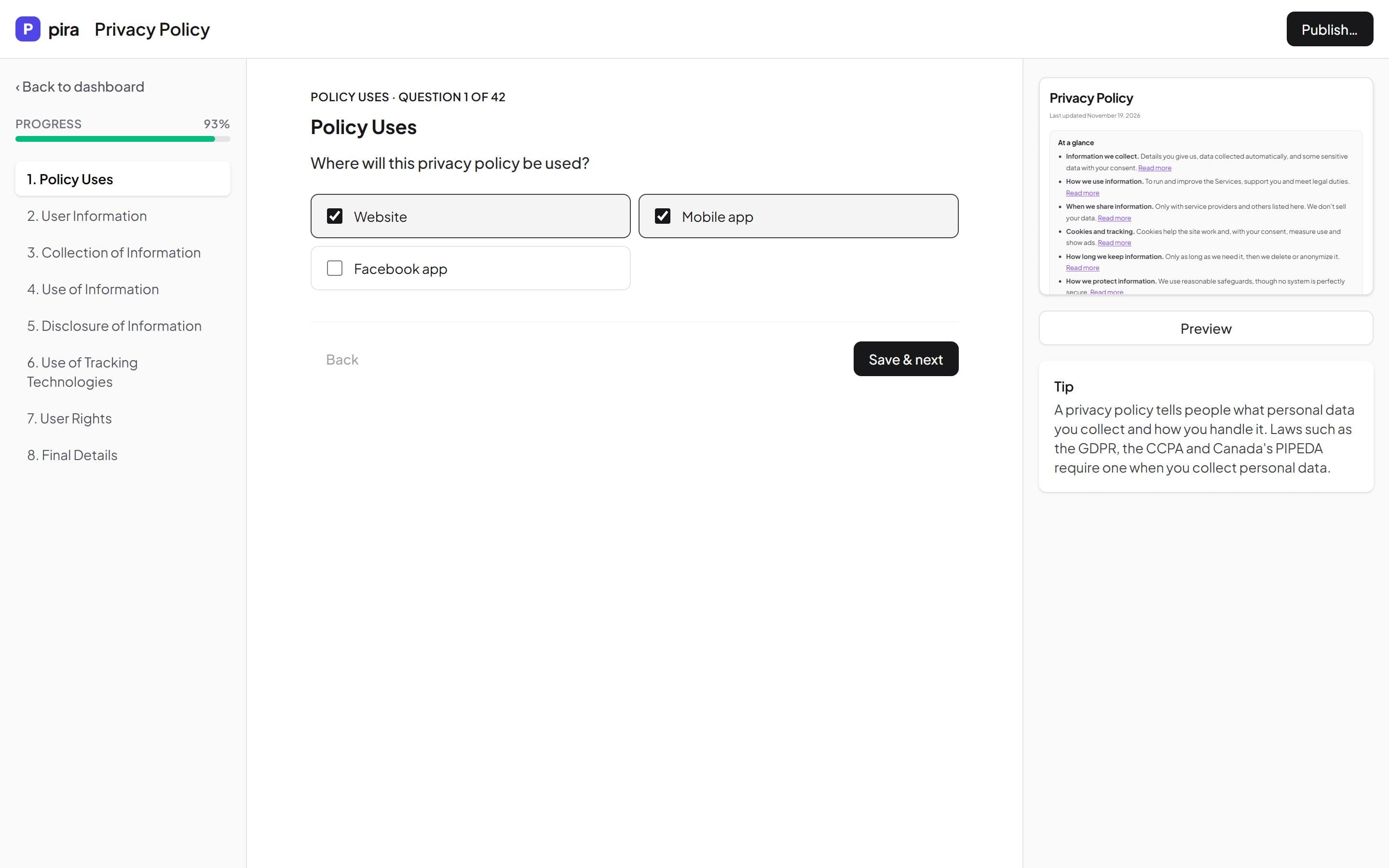

Get compliant this afternoon, not this quarter.
Set up your policies, banner and request form in one place. Free while Kiescy is in early access.